

Audio Reverser Online
Reverse any audio or recording online, play it backwards, trim it to your liking, and download it for free.
Download your reversed audio
Reverse Audio and Play It Backwards
With Audio Reverser, you can reverse any audio file. Choose between uploading a file or making a live recording and reversing it.
You can also play and trim the audio if you only need a specific section, then download it as an MP3 or WAV file.
How to Reverse Audio
Follow these steps to use the tool:
- Choose between uploading a file or recording audio.
Select a file from your device, or if you choose to record, grant the requested microphone permission to start recording. - Play and edit the audio: you will then access the editor, where you can play and trim your reversed audio.
- Download the result: choose whether to download the file as an MP3 or WAV.
Key Controls and Features
This tool includes the following controls and features:
Reverse MP3, WAV, and More Audio Files
Reverse an audio file: click the upload option to load your file. The tool supports a wide range of audio formats:
-
-
- Including MP3, WAV, OGG, M4A, FLAC, and more.
-
Record and Reverse Audio
Record and reverse audio live: click the record option, allow microphone access, and start capturing your audio.
In the editor, you can also listen to and download the original version.
Audio Editor and Player
Once your audio is ready, you will automatically access the editor, where you can:
-
- Play the audio.
- Trim it however you like (optional), if you only need a specific section.
- Switch between the original and reversed versions.
Trim Your Audio
In the editor, click Trim and two handles will appear, one on each side. Use them to select the section of the audio you want to keep.
Loop Playback
To make previewing and editing easier, you can enable loop playback.
Download the Final Audio
Download your audio in WAV or MP3 format.
Create Multiple Versions
You can create more than one version. On the final screen, after downloading, click the “Back” button. You will return to the editor, where you can adjust the settings. Repeat the process as many times as you want.
For example, you can download both the original and reversed versions of a recording. You can also download one trimmed version and another with the full audio.
Privacy
Both the audio file you upload and any live recording remain temporarily stored only in your browser. Nothing leaves your device. Once you close the window, everything is deleted.
Reverse Singing
Reverse singing is a fun way to experiment with vocals and backwards audio. It involves recording yourself singing a song or vocal phrase, reversing the recording, and then trying to recreate it. This technique became popular on social media through the “reverse singing challenge”.
Want to try the reverse singing challenge? Use this tool to record your own audio, play it backwards, and record yourself again while trying to reproduce the reversed version. After each recording, the reverse effect is applied automatically, so you can listen to the result.
Other Online Tools and Instruments
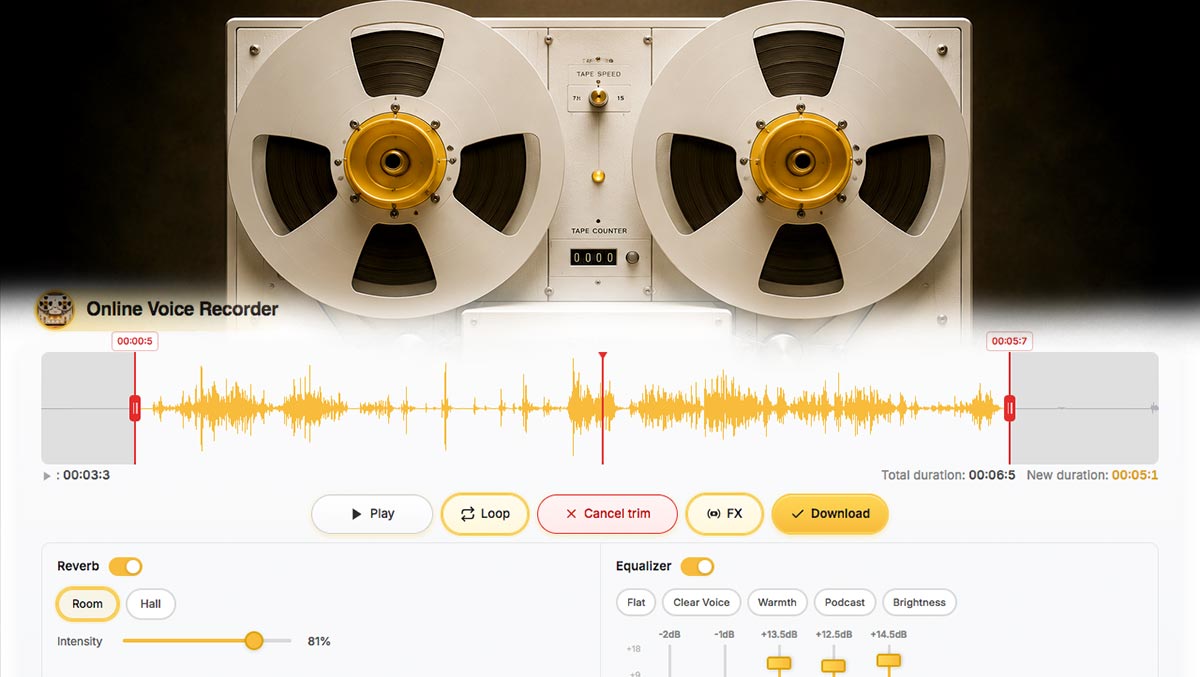

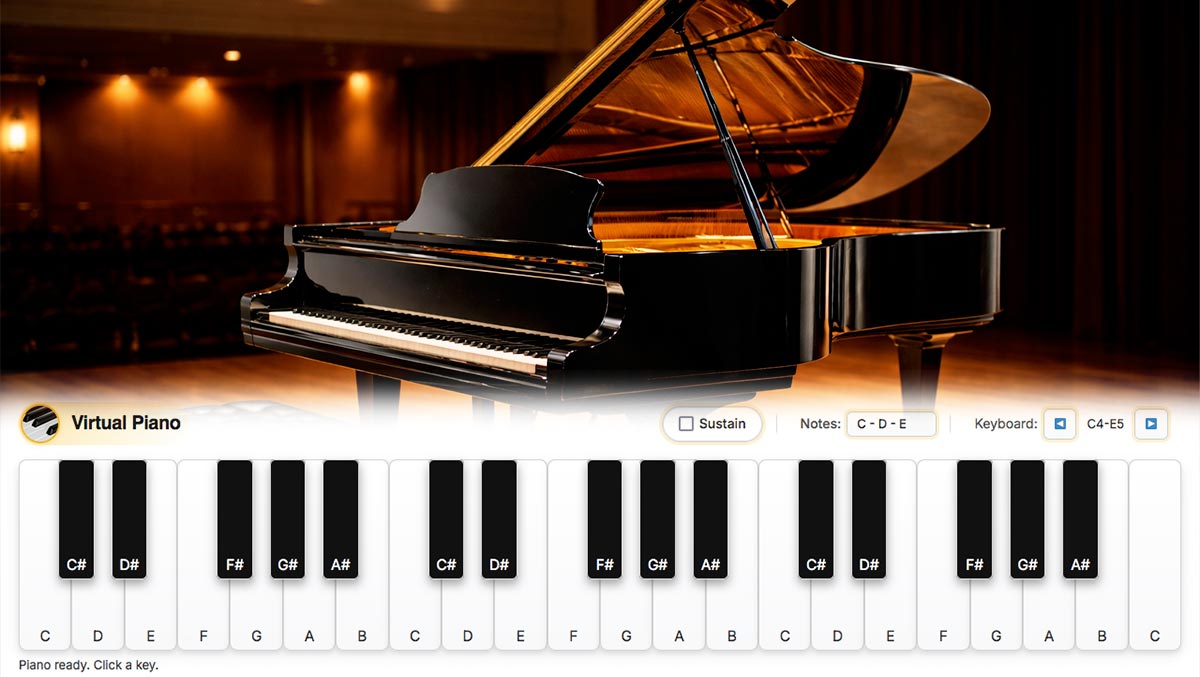
Explore more virtual instruments and online tools at DJFuturo Tools.
To find out about every new instrument or tool as soon as it’s released: Subscribe for free.